The CRM built for tutoring centers
Schedule every tutor and student, clock hours and run payroll, log every session and send progress reports parents actually read. One app for your whole center.
- Nothing to install
- Phones, tablets and computers
- Your center’s logo and colors
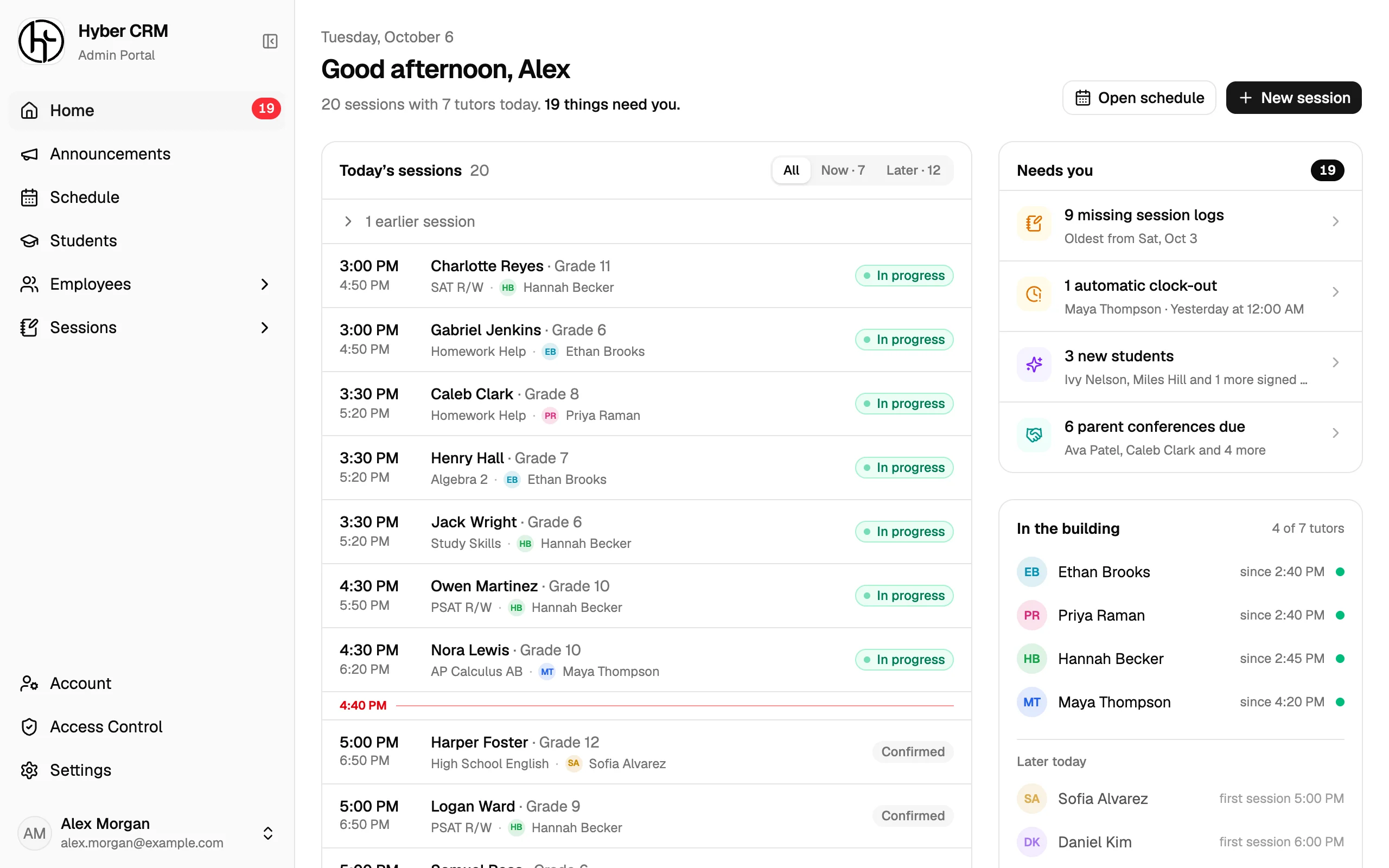
The real Hyber CRM with sample data. Everything works, and nothing you do here is saved.
Everything a tutoring center runs on, in one place
- Drag-and-drop schedule
- Tutor availability
- Kiosk clock-in with PIN
- Payroll by pay period
- Session logs
- Progress reports
- Conflict detection
- Announcements
- Drag-and-drop schedule
- Tutor availability
- Kiosk clock-in with PIN
- Payroll by pay period
- Session logs
- Progress reports
- Conflict detection
- Announcements
Built around the schedule
One app for the way your center runs
Tutoring center software that connects the schedule to the time clock, payroll, session logs and the reports families get, so nothing is typed twice.
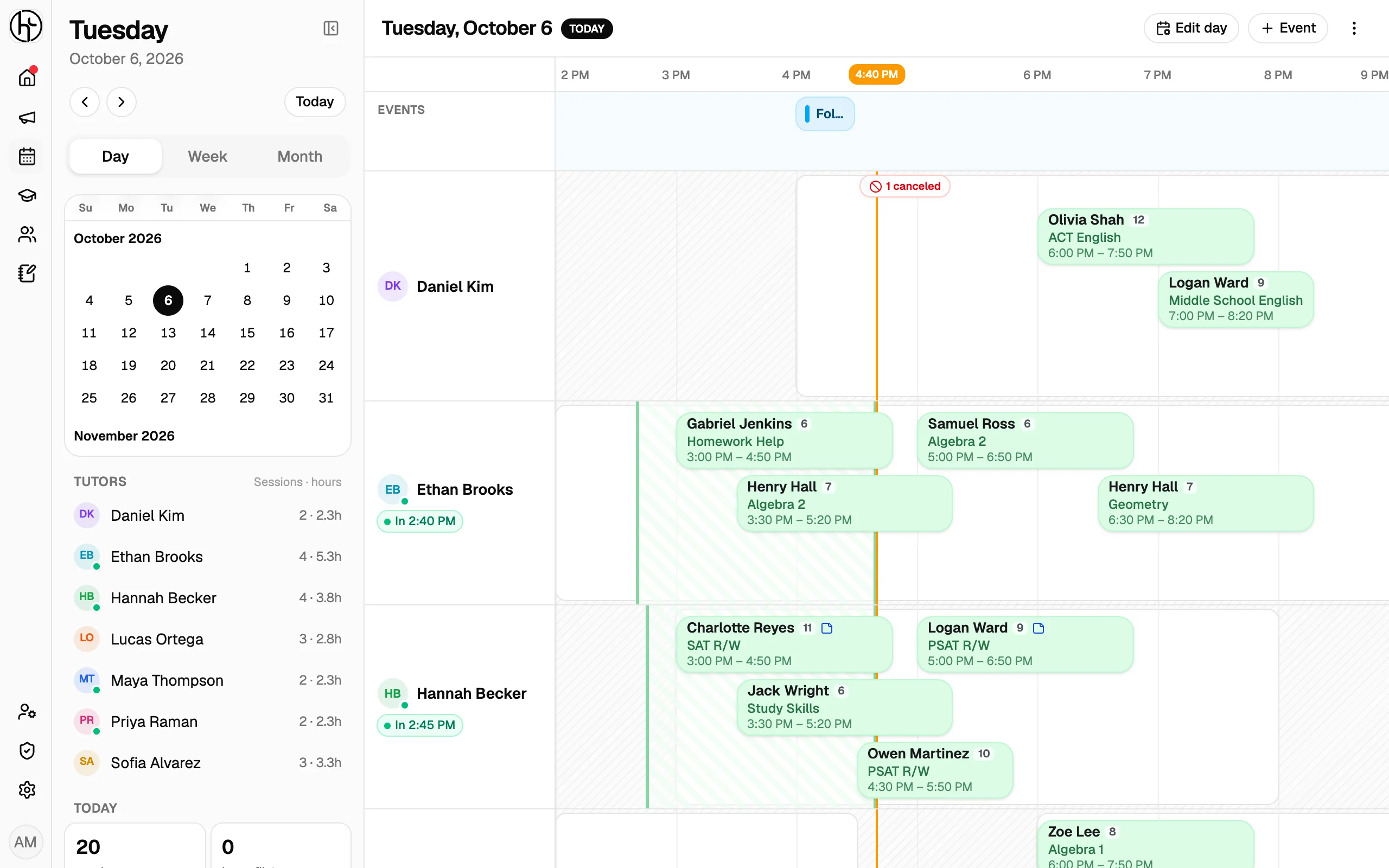
Every tutor, every session, one live board
Drag a session to another time or tutor, stretch it longer, copy a whole day. Each tutor has a lane for every student they can take at once, and clock-ins show right on the board.
- Conflicts caught before they happen: double-booked students, tutors outside their availability, too many students at once
- Day, week and month views, with events and closed days
- Tutors see their own schedule and get notified of changes
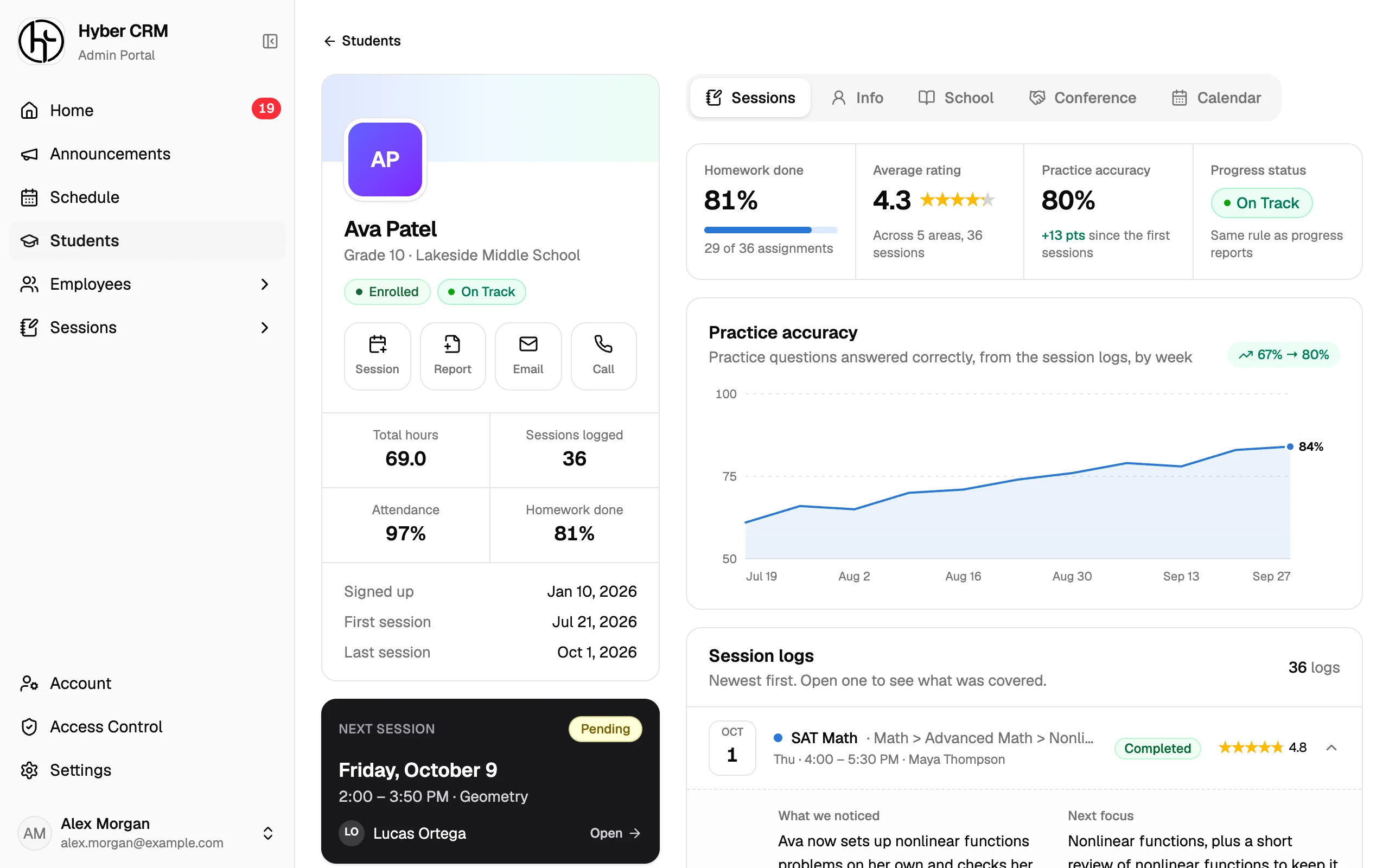
Each student’s whole story on one page
Sessions, attendance, homework, practice accuracy, family contacts, school grades and conference notes, with a calendar to book the next session.
- Status keeps itself current: signed up, enrolled, paused
- Parent conferences come due by hours tutored
- Find any student or family in a second
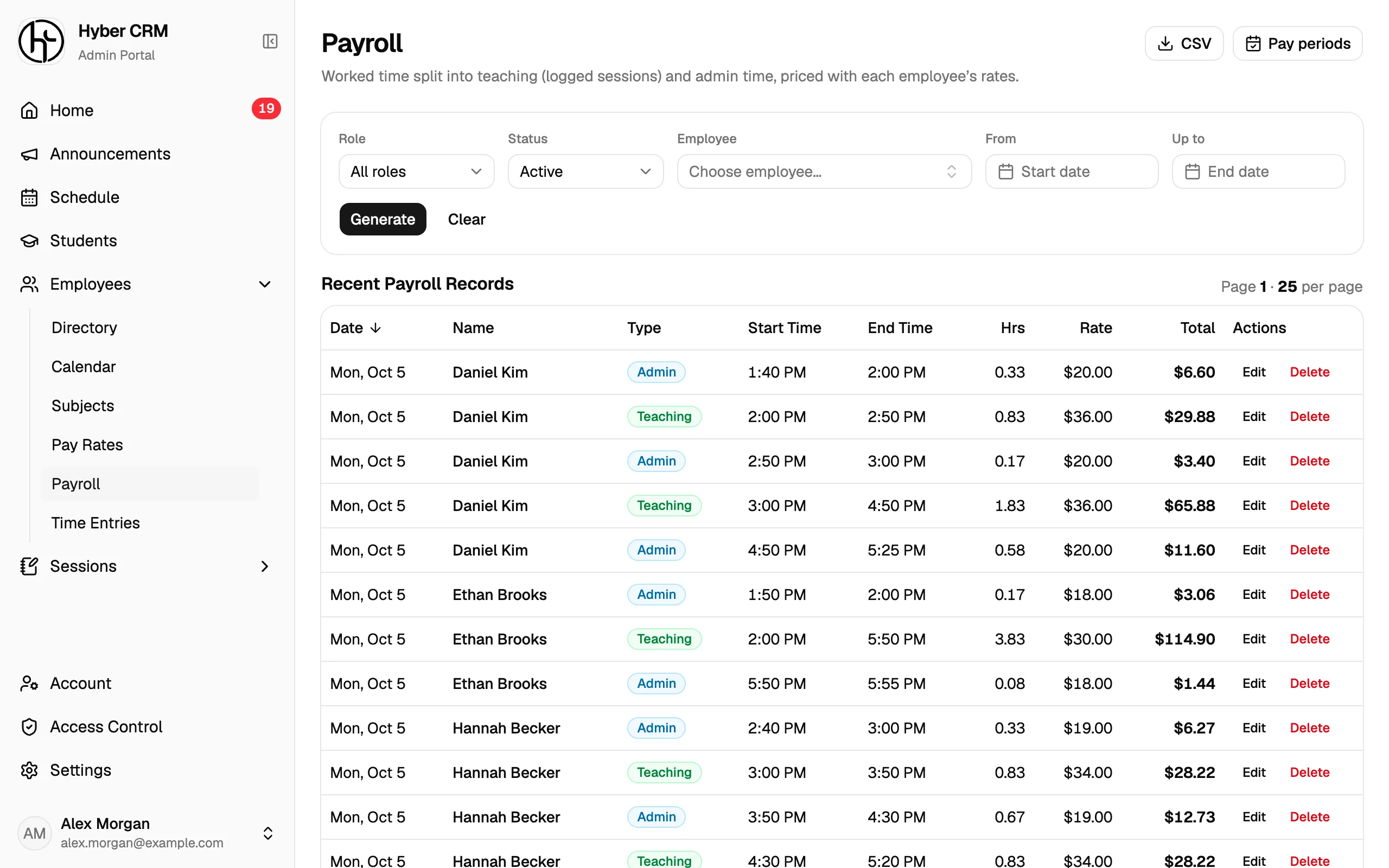
Clock in at the front desk. Payroll adds itself up.
Tutors clock in on a kiosk tablet with their PIN. Every shift is priced with each person’s rates, and teaching and admin time can pay differently, pay period by pay period.
- Missed clock-outs closed for you and flagged
- Time entries admins can correct, with every change on record
- Pay rates keep their history, so past periods stay right
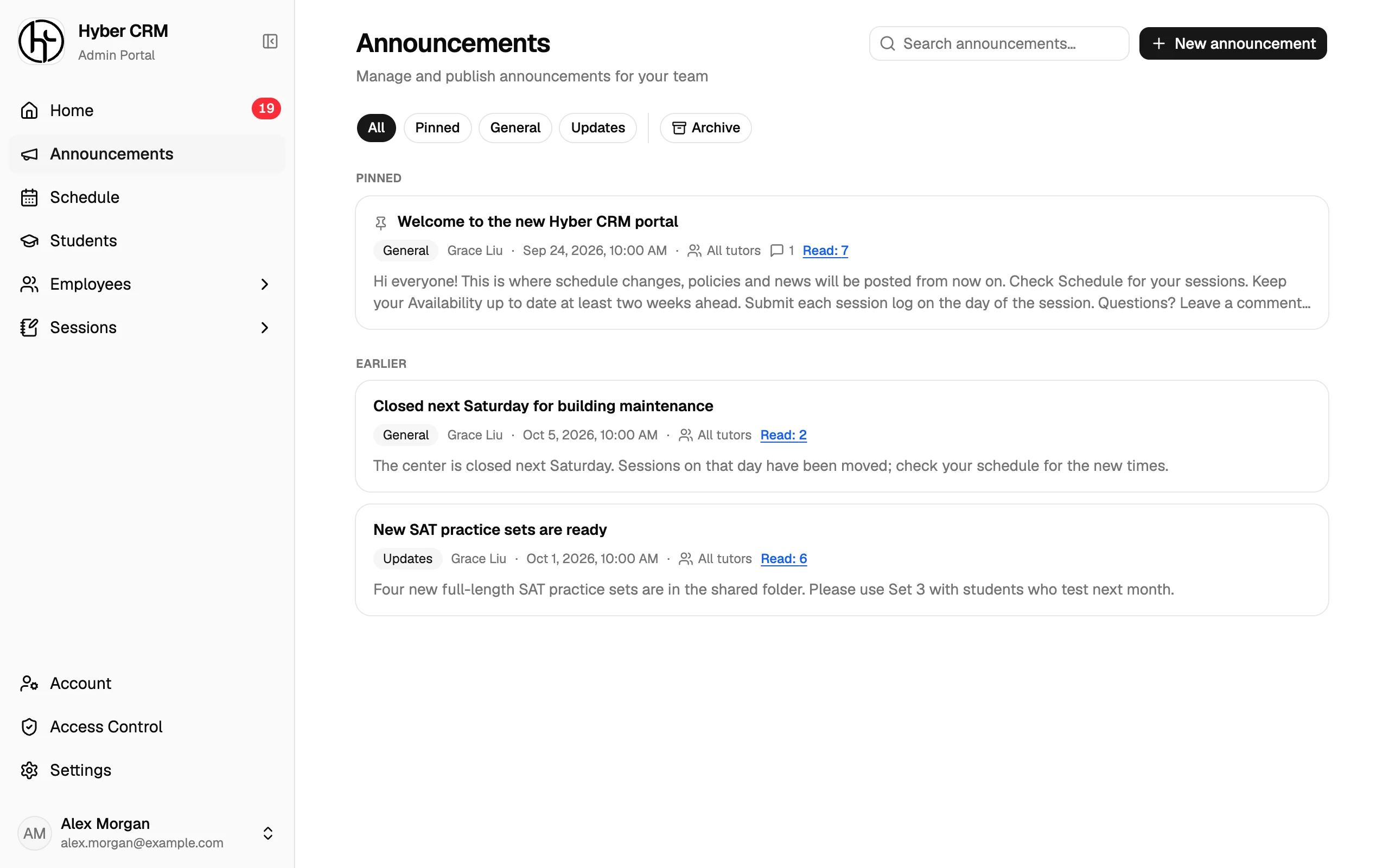
Session logs tutors finish in minutes
A guided log after every session: topics, homework, practice questions, ratings and notes. Missing logs are flagged, and every student’s history stays in order.
- Past logs right there while writing the next one
- AI can turn quick notes into clear sentences
- Logs add up into progress reports on their own
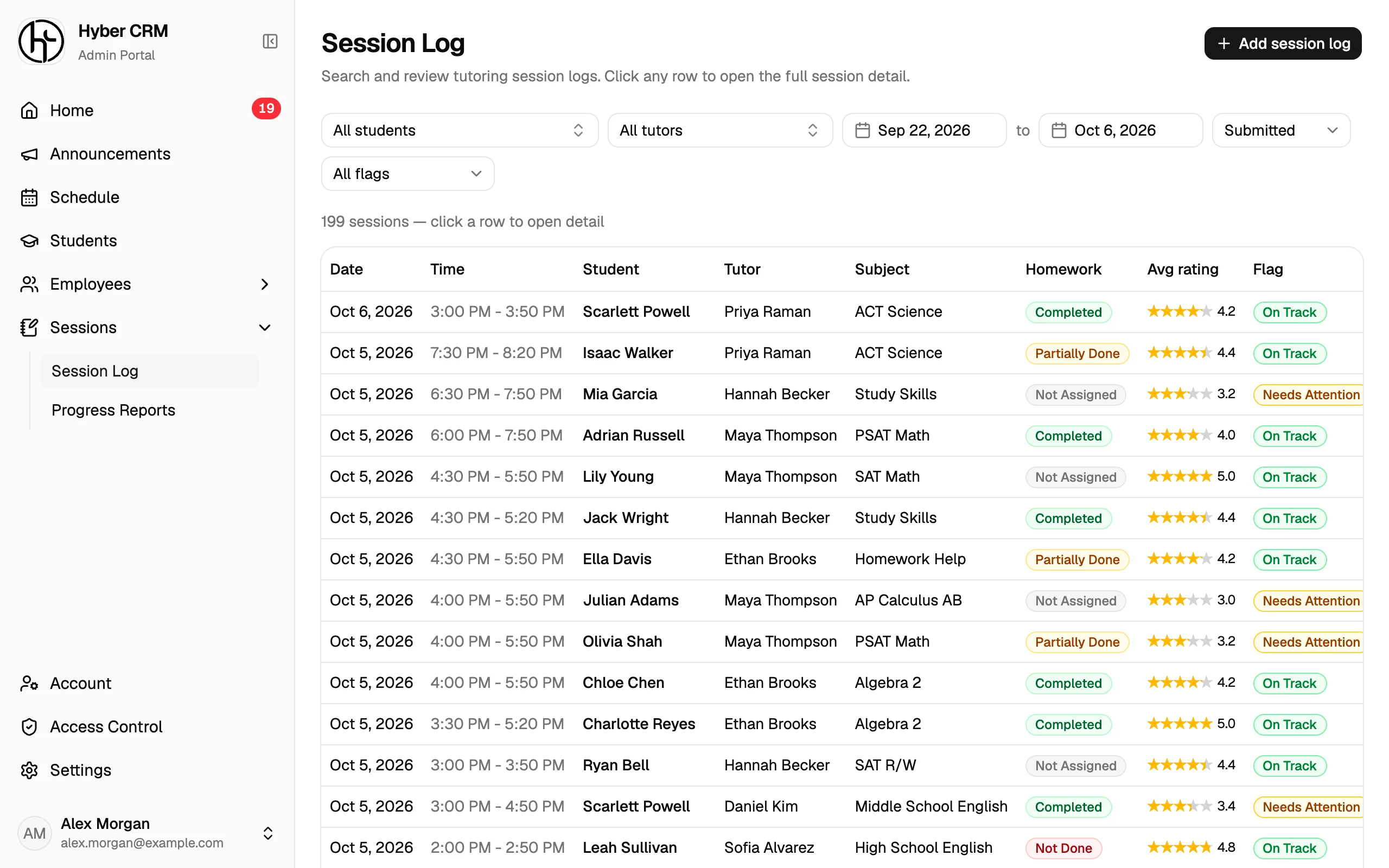
Tell the whole team once
Post updates with images and files, pin what matters, choose who sees each post and see who has read it.
- Comments for questions
- Categories and an archive
- Everyone is notified in the app
Progress reports
Reports parents actually read
A month of session logs becomes a clear, good-looking report in one click: what was covered, how it went and what comes next. Scroll through a real one.
Attendance, homework and practice accuracy are counted from the logs tutors already write.
The summary, strengths and next steps are drafted from the logs. You review, edit and share.
Hours, attendance and accuracy, compared with the last report.
Families open it in their portal, or you hand them a clean PDF.
Portals
A portal for everyone in your center
Owners and admins run the center. Tutors, parents and students each get their own simple view, on any phone. Everyone signs in with Google or their own email and password, and sees only what their role allows.
Owners & admins
The whole center: schedule, people, pay, reports and settings.
- Access you control page by page
- Every change recorded
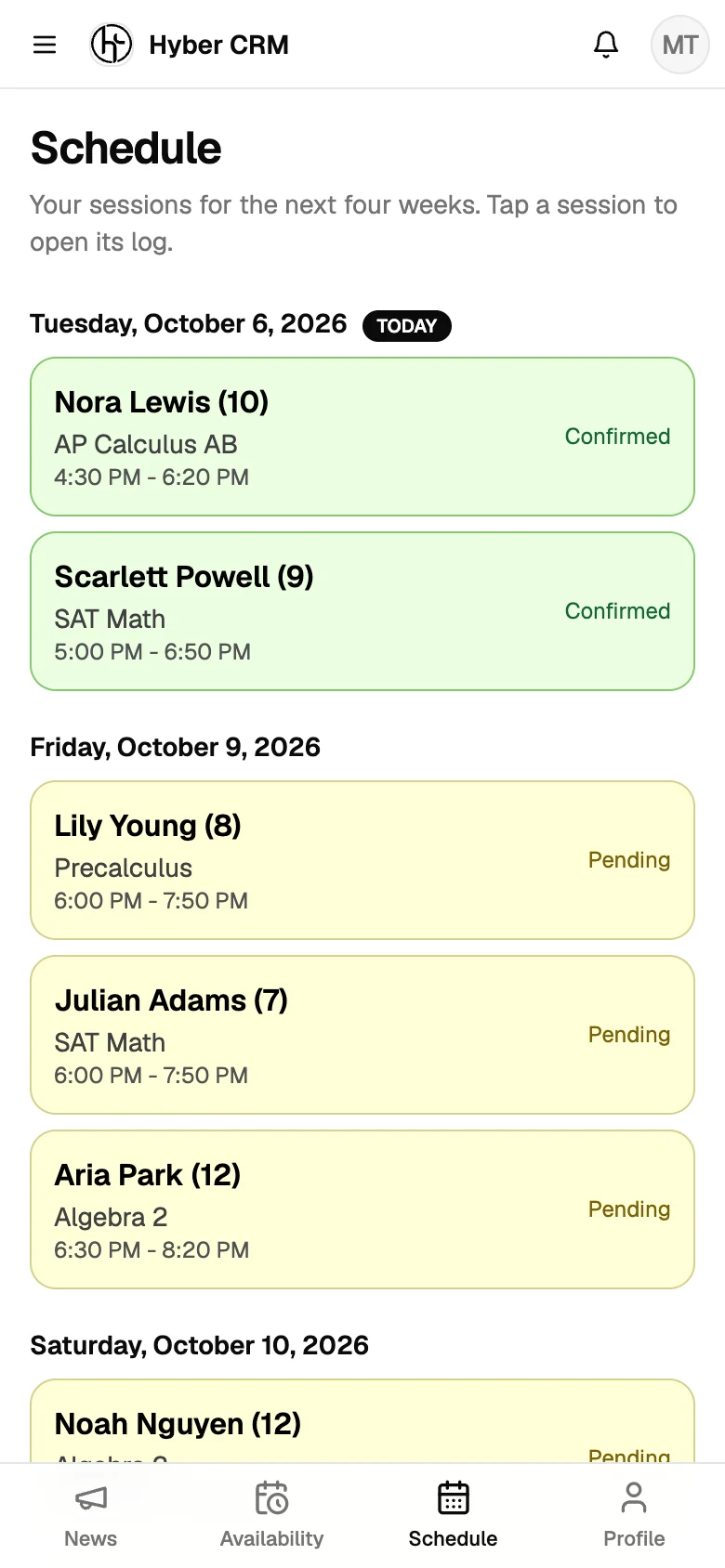
Tutors
Their own schedule, availability, session logs and pay.
- Notified when sessions change
- Logs in a few taps
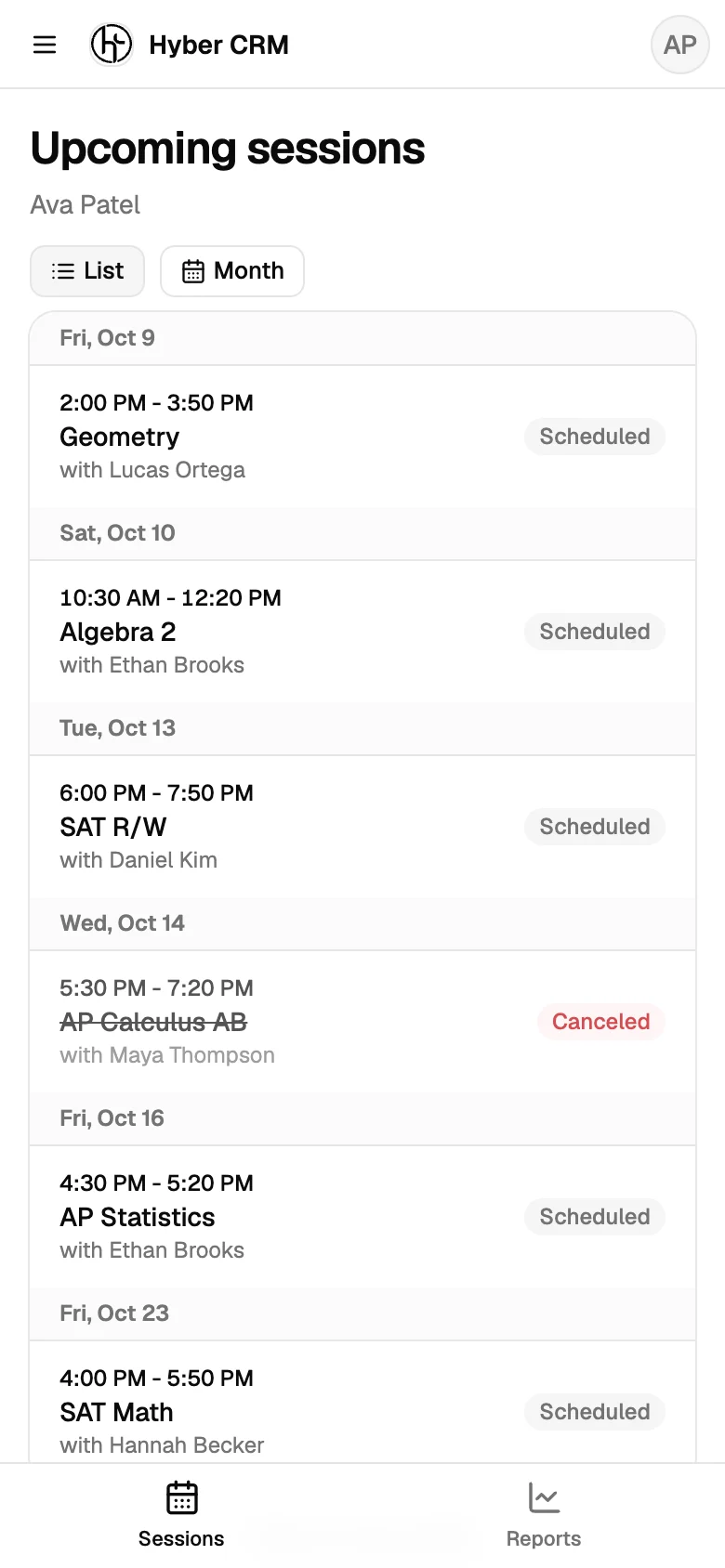
Parents
Upcoming sessions and progress reports for each of their children.
- One sign-in for all children
- Reports they can save as PDF
Students
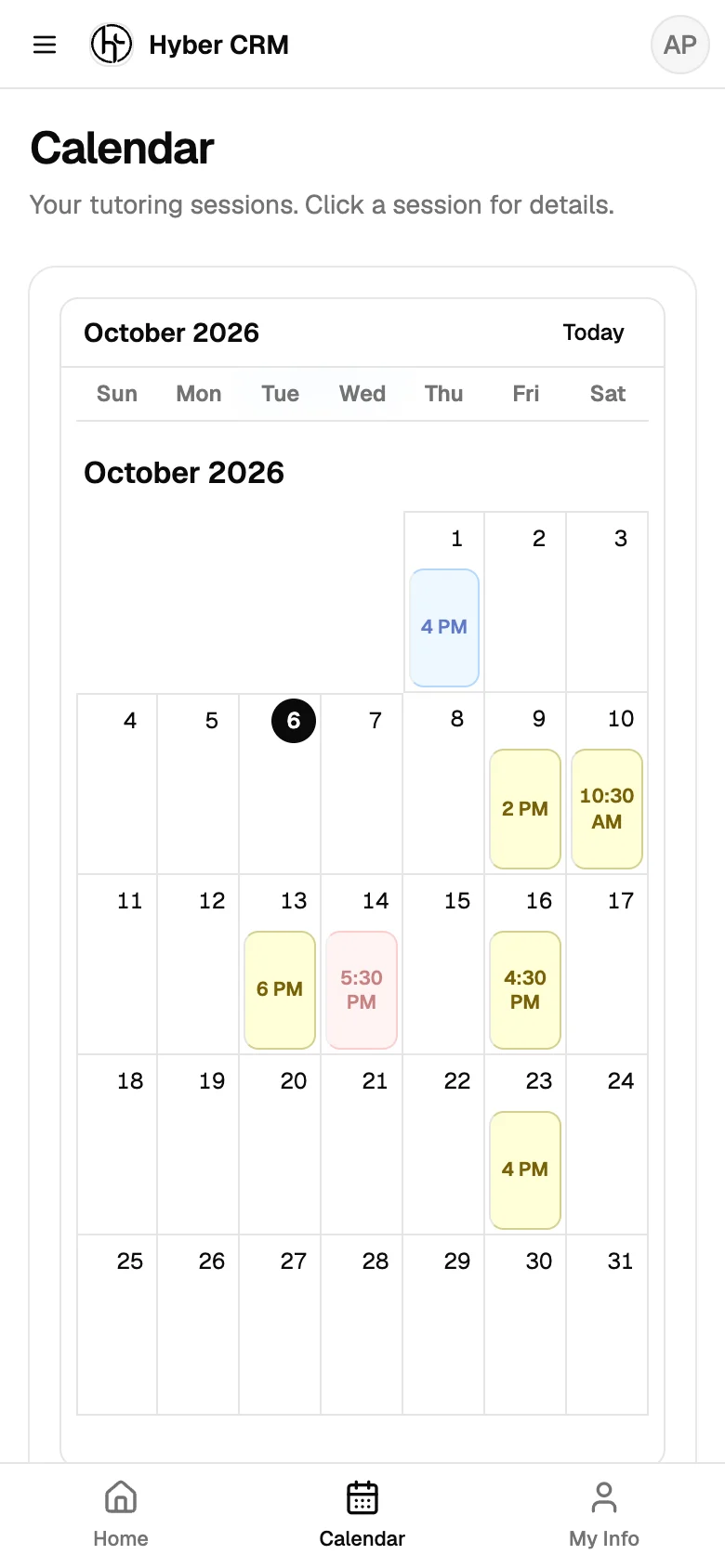
Their calendar and profile, on their own phone.
- Never miss a session
- Their own account
Made for real centers
Set up around how you work
Your hours, your rules, your brand. Each location runs on its own clock with its own team, and everything that changes is on record.
A time clock at the front desk
Put a tablet in kiosk mode. Tutors tap their PIN to clock in and out, and the hours go straight to payroll.
Your brand on everything
Your logo and colors on every portal and on the reports families get.
Your rules, built in
How tutors are paid, how many students they take at once, when parent conferences come due.
- Moved Ava Patel’s session to 4:30 PMSchedule
- Submitted the session log for Noah NguyenSessions
- Changed Daniel Kim’s availabilityAvailability
- Maya Thompson clocked in at 3:52 PMTime clock
- Shared Mia Garcia’s progress reportReports
- Updated pay rates for Lucas OrtegaPay
- Added Hazel Baker as a studentPeople
- Changed Saturday’s hoursSettings
Every change on record
Schedules, pay, people and settings: who changed what, and when. Each role reaches only its own pages.
Every location on its own clock
Each location keeps its own hours, time zone, staff and branding. Owners move between them in a click.
On every device
Phones, tablets and computers, with an iPhone and Android app for tutors. Or install the website on a home screen.
Simple, safe sign-in
People sign in with Google or their own email and password. Access follows the email their center invited, confirmed first.
Live on every screen
A change on the schedule shows on every screen right away, for everyone it concerns. No refreshing.
Pricing
Priced for your center
Every center is different, so there’s no one-size price list. Your price depends on how many students and tutors you have and how many locations you run. Tell us about your center and we’ll send you a quote.
- Your center set up with you: hours, subjects, staff and branding
- Every portal: admins, tutors, parents and students
- Kiosk time clock, payroll, session logs and progress reports
- Help from the team that builds Hyber CRM
Who is Hyber CRM for?
Tutoring and learning centers of any size: test prep, school subjects, homework help. It runs one location or several, each with its own hours, staff, subjects and branding.
How much does it cost?
It depends on the size of your center: how many students and tutors you have and how many locations you run. Tell us about your center and we’ll send you a quote.
Can I try it first?
Yes. The live demo on this page is the real app with sample data: drag sessions, open student profiles, run payroll, clock in at the kiosk. Nothing you do there is saved. When you’re ready, we set up your own center.
Do parents and students get their own access?
Yes. Owners and admins see everything, tutors get their own schedule, availability, session logs and pay, parents see progress reports and upcoming sessions, and students see their calendar. Everyone signs in with Google or their own email and password, and only sees what their role allows.
How do tutors clock in and get paid?
Put a tablet at the front desk in kiosk mode and tutors clock in and out with a personal PIN. Hyber CRM prices every shift with each tutor’s rates (teaching time and admin time can pay differently) and totals each pay period. Admins can correct entries, and every change is recorded.
Does it work on phones and tablets?
Yes. Hyber CRM runs in any modern browser on phones, tablets and computers, and can be installed on a home screen like an app. There’s nothing to download.
Is our data secure?
Hyber CRM runs on Google Cloud. People sign in with Google or an email and password whose address is confirmed first, each role only reaches its own pages and data, and every change to schedules, pay, people and settings is written to an audit log.
How do we get started?
Send us a note about your center. We’ll talk through how you work today, set up your center (hours, subjects, staff, branding) and help you invite your team.
See your center in Hyber CRM
Click around the live demo, then tell us about your center. We’ll set it up with you.